
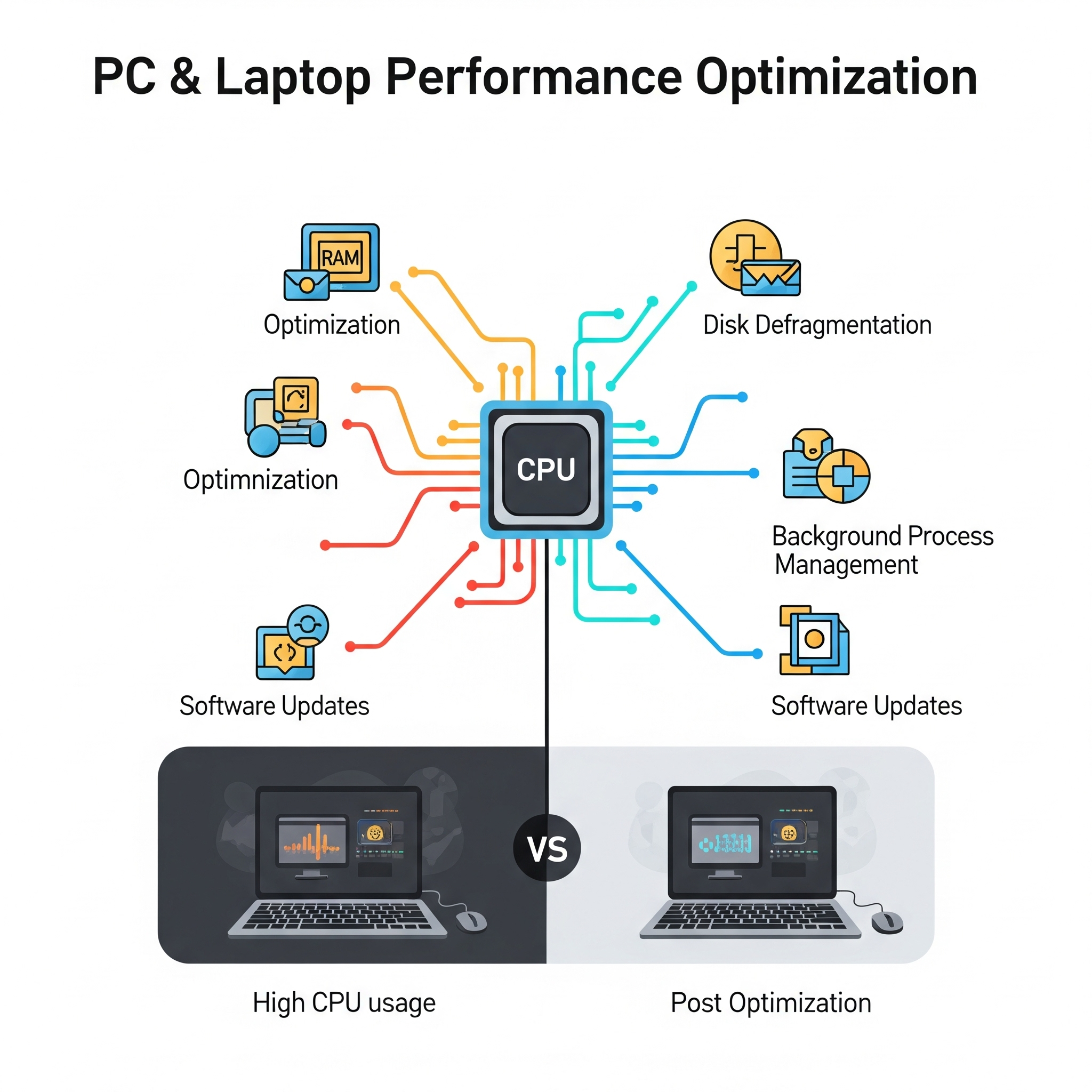
Disk Cleanup & Storage Management:
- Removing temporary files, old system files, browser cache, and other junk files.
- Identifying and uninstalling unused programs (bloatware).
- Emptying Recycle Bin.
- Analyzing disk space usage and recommending solutions for low disk space.
Startup Optimization:
- Disabling unnecessary programs and services from launching at Windows startup to improve boot times.
- Managing background processes.
Operating System Optimization:
- Ensuring the latest Windows updates and security patches are installed.
- Adjusting visual effects for best performance (e.g., disabling animations, shadows).
- Optimizing power settings (e.g., setting to “High Performance” plan).
- Configuring Storage Sense for automatic file cleanup.
- Disabling unnecessary Windows notifications.
Driver & Software Updates:
- Updating outdated device drivers (graphics, network, chipset, etc.).
- Updating core software applications.
Browser Optimization:
- Clearing browser cache, cookies, and history.
- Disabling or removing unnecessary browser extensions.
- Optimizing browser settings for faster loading.





Reviews
There are no reviews yet.